Readable, by default
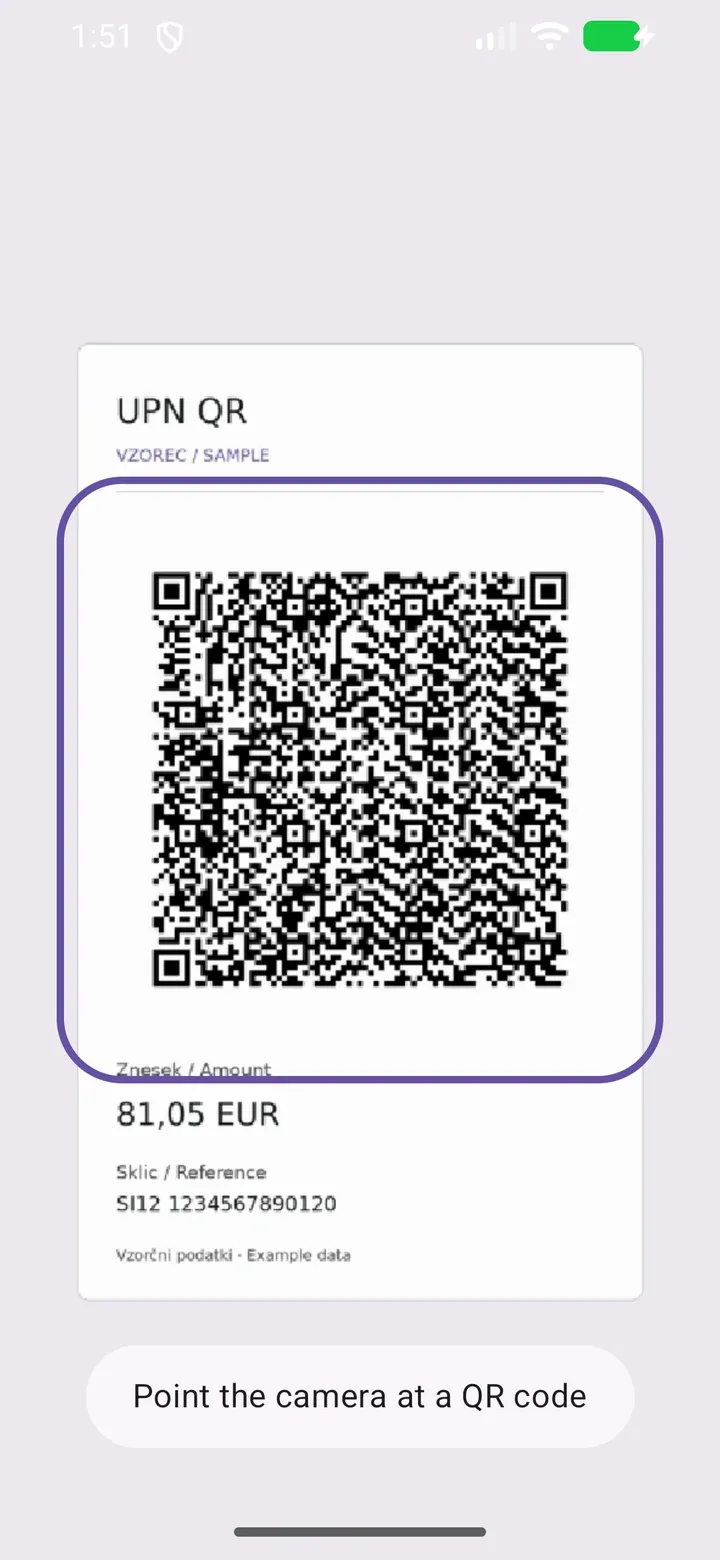
Payment details, payee, and recipient are organized into clearly labeled groups.
 UPN Scan.
Made for Slovenian UPN QR codes
Especially useful when your bank or banking app doesn’t support “Take a photo and pay” for Slovenian UPN QR codes. Scan with UPN Scan, review the details, and copy the values you need for your banking app.
For Android 7.0 and newer
A scanner for your payment details. Payments stay in your banking app.
A simpler way to read UPN
Three small steps. No retyping a long reference number.
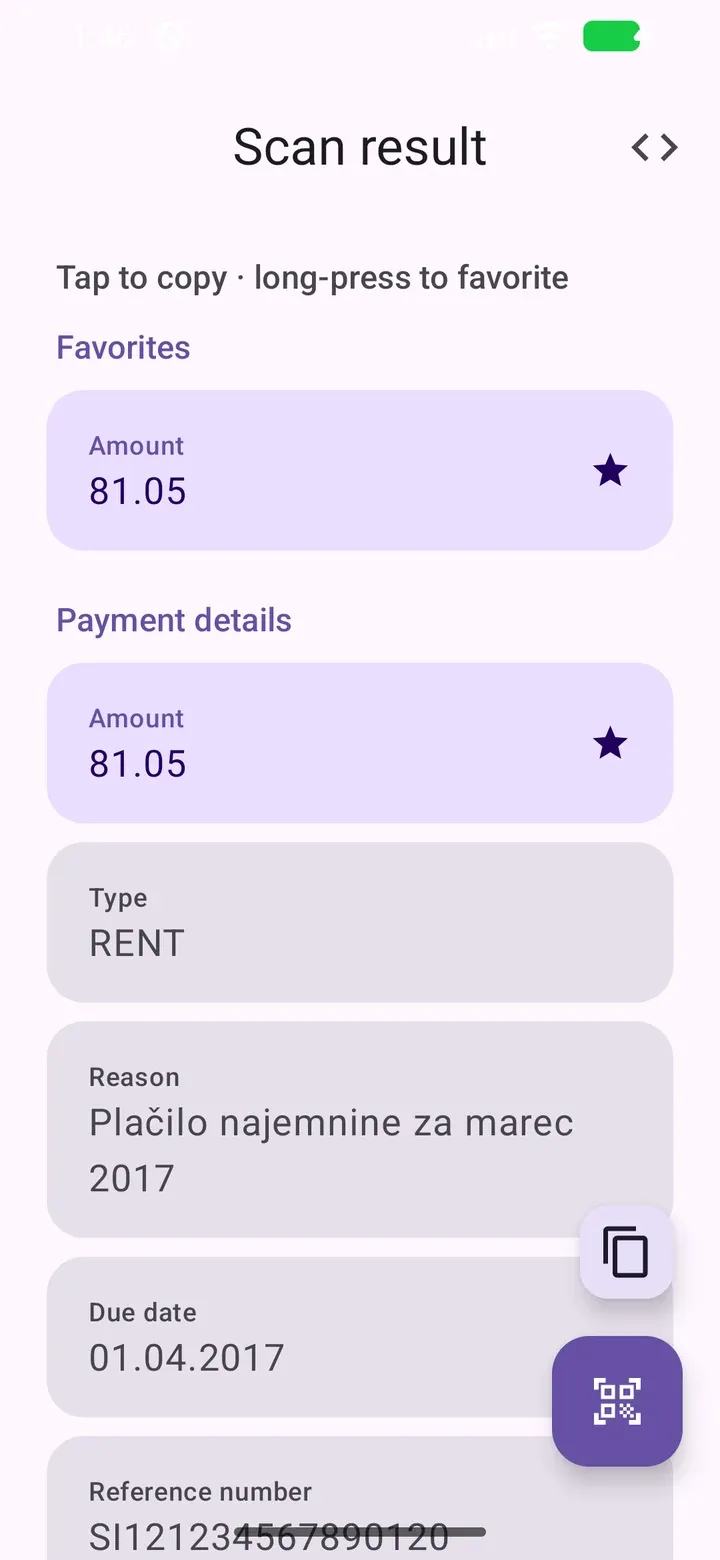
Open the app and point your camera at a UPN QR code.
See the amount, reference, recipient IBAN, and more in labeled groups.
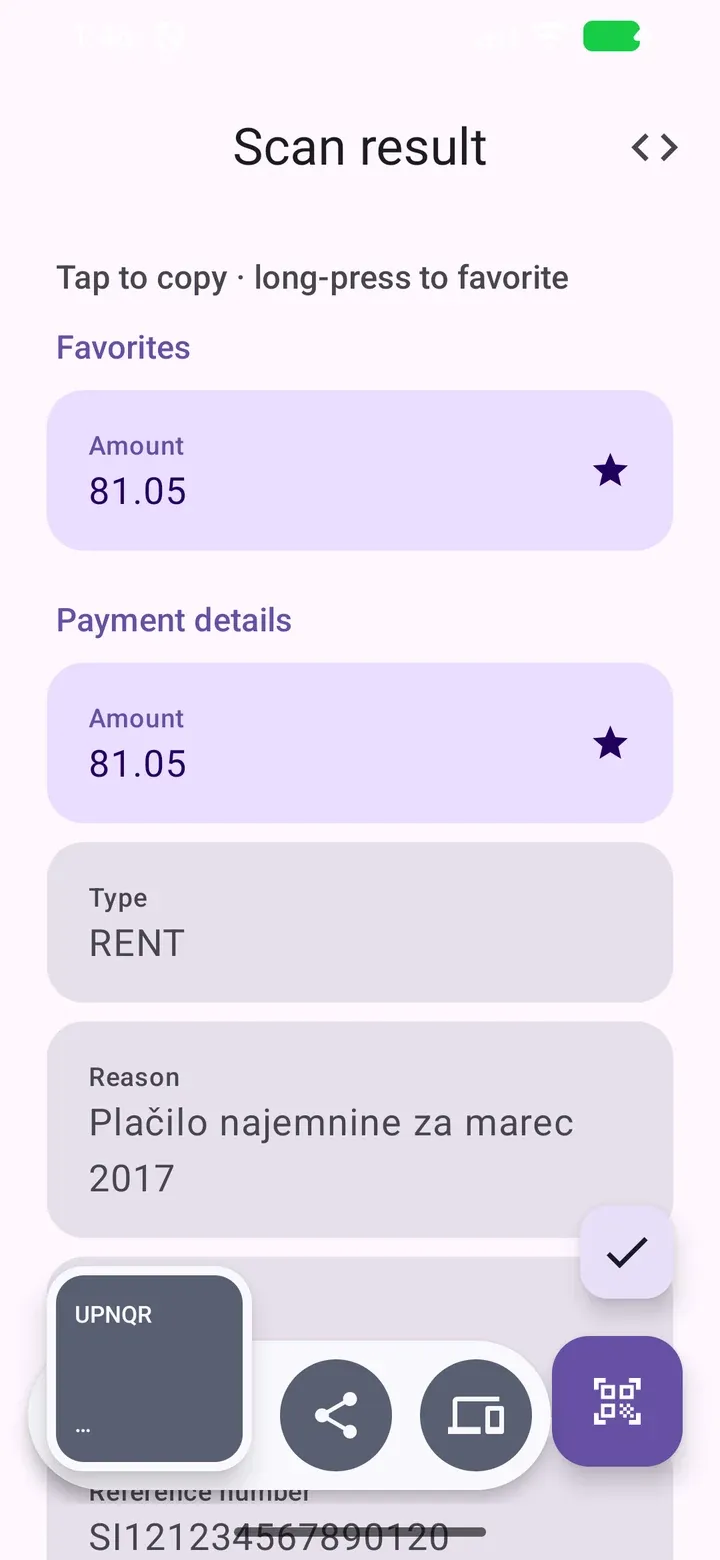
Tap a field to copy its value. Or copy the complete scanned text.
Small details. Less effort.
A focused tool for reading payment information, built around the values you actually need.
Payment details, payee, and recipient are organized into clearly labeled groups.
Long-press a field to favorite it. Your selected fields appear at the top across scans.
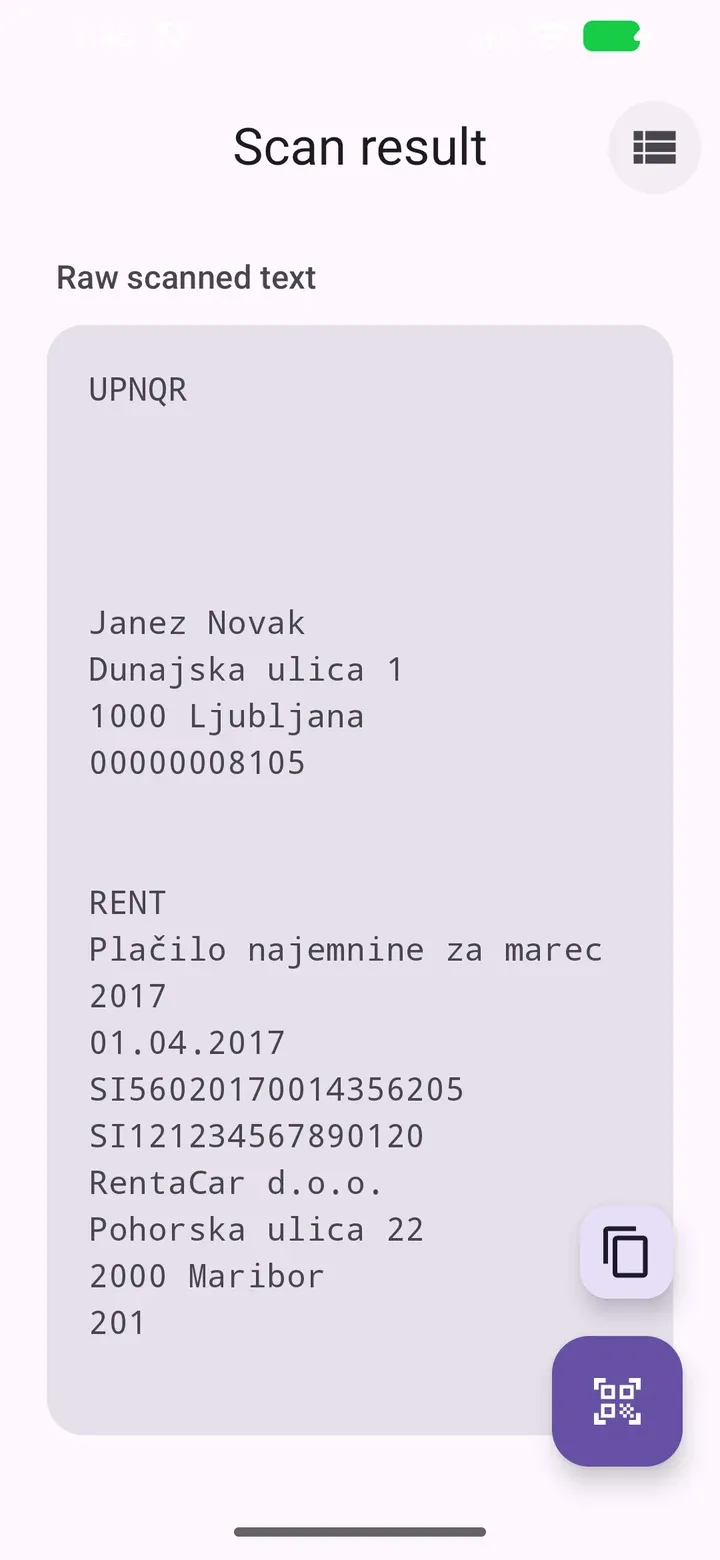
Switch to raw text whenever you want to inspect the complete scanned payload.
Non-UPN QR codes appear as readable lines you can copy.
Good to know
UPN Scan reads QR codes on Slovenian UPN payment slips and presents their contents as labeled, copyable values. It is especially useful if your bank or banking app does not support “Take a photo and pay” for Slovenian UPN QR codes: you can copy the details you need and enter them in your banking app.
No. UPN Scan reads and copies payment information. You review the details and make payments in your banking app.
The app checks the UPN framing and length checksum. If the scan fails those checks, it shows a retry message and keeps scanning. These checks do not verify IBAN check digits, recipient identity, or payment correctness.
Yes. Other QR codes are displayed as raw text lines that you can copy.
The app supports Android 7.0 and newer and needs camera permission to scan QR codes.
Not yet. UPN Scan is coming soon on Google Play. The download link will appear here once the listing is available.
Your UPN details, ready when you need them.
Screenshots show the current app UI in English with synthetic example data.